
8 lines
No EOL
416 B
Text
8 lines
No EOL
416 B
Text
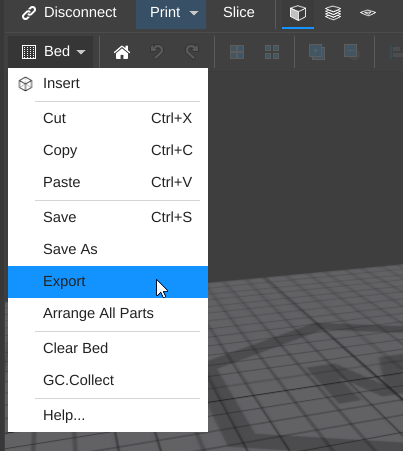
After [Selecting a Printer](selecting-a-printer.md) you can easily export G-Code to be printed from an SD card or saved for printing at a later time.
|
|
|
|
- Open the 'Bed' menu and select 'Export'
|
|
- Select 'Machine File (G-Code)' and click 'Export
|
|
|
|
- Save your G-Code to a known location (or directly to your SD card)
|
|

|
|
## Success! |