
17 lines
1 KiB
Text
17 lines
1 KiB
Text
|
|
# Pausing a Print
|
|
At any time during a print you can click the pause button (pictured below) to make your printer temporarily pause.
|
|
|
|

|
|
|
|
# Resuming a Print
|
|
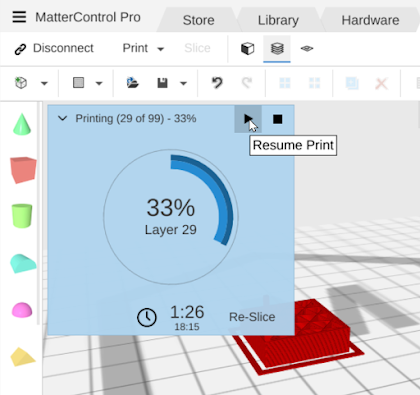
Once paused your printer will need to be Resumed again when you want it to complete the print.
|
|
|
|
|
|
|
|
|
|
# Setting up Pause and Resume G-Code
|
|
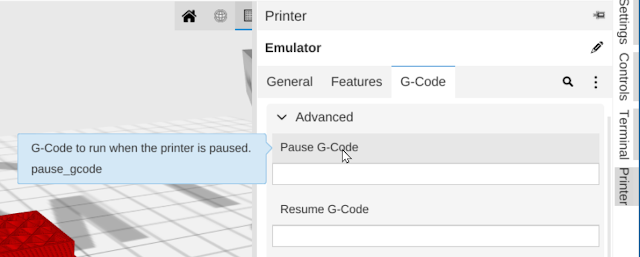
If you printer has not already been setup to handle Pause and Resume (if you are creating a new printer profile) - you can change the behavior of Pause and Resume in the printer G-Code settings. This is an advanced option and if you are using an included profile 'Pause' and 'Resume' should already be setup correctly.
|
|
|
|
|
|
|