MatterControl allows you to create and design parts. It include everything you need to get your ideas into reality with a complete set of tools to help you realize your ideas.
- Many of the operations in MatterControl become part of the undo history and clicking these buttons or typing 'Ctrl + Z' and 'Ctrl + Y' will undo and redo them
- Ungrouping: Once objects have been grouped you can upgroup them at any time. This will also attempt to find multiple bodies in a single STL if they are present and separate them into multiple objects.
## Copying and Deleting

- These buttons can be used to may a copy of the selected object or delete it. You can also use the systems copy, cut, past features.
- This tool allows you to quickly get a selection to be on the bed and as flat as possible. It attempts to make the lowest face of the selected part lay flat on the bed.
- This turns whatever you have selected into support material. The slicing engine will be smart about finding and creating interface layers and not intersecting the parts that are touching the support.
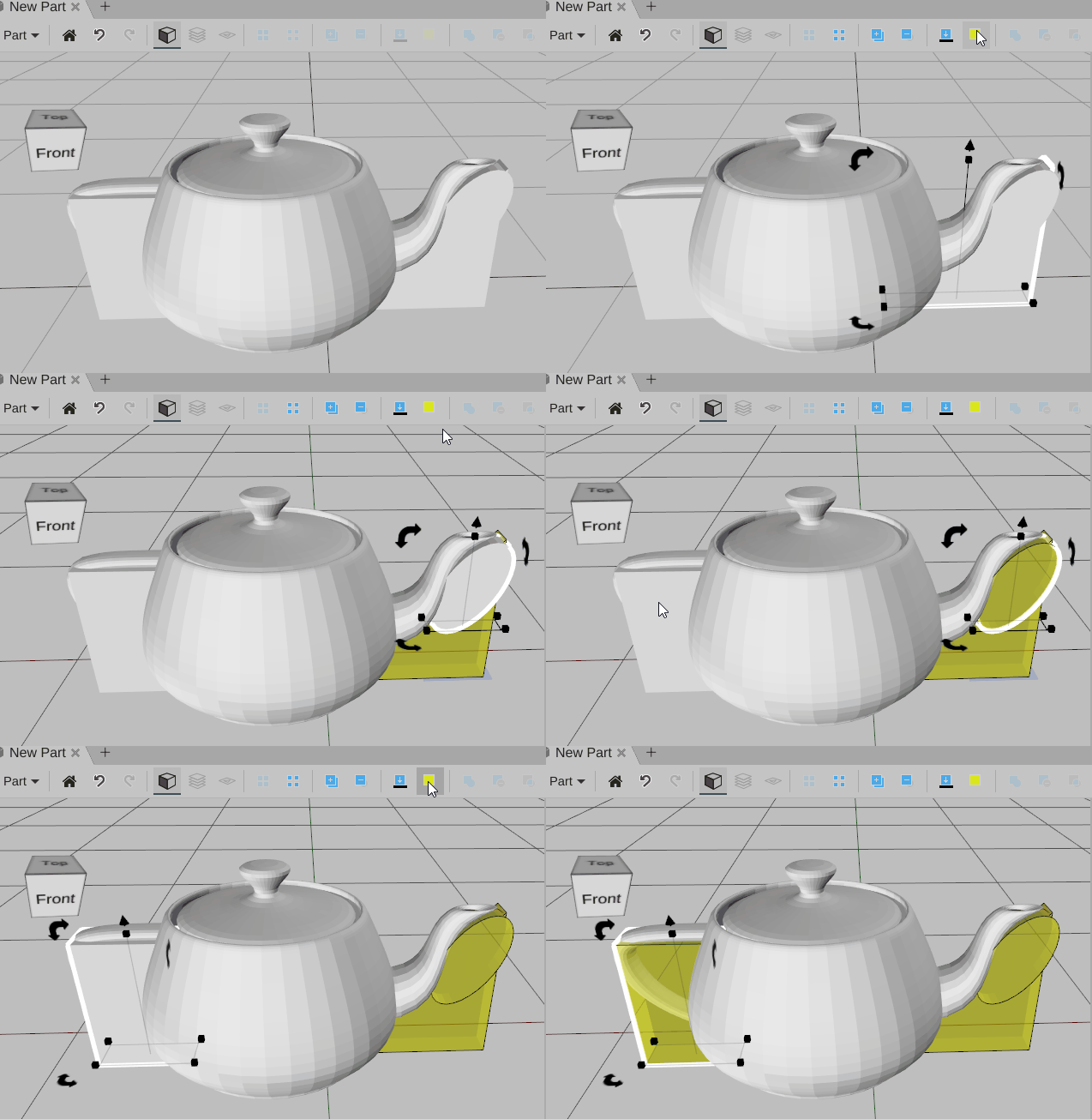
## Combine, Subtract, Intersect and Subtract & Replace

- These tools allow you to create complex objects by combining simple shapes into more sophisticated shapes.
## Arrays

- These tools allow you to make multiple copies of a part in an ordered and predictable way
## Transforms

- These tools make it easy to change your parts in interesting an useful ways
